
 iOS is in development. Availability will be announced when ready.
Home, Wallet, Earning, History and Account
Move between discovery, transaction activity, deal records, security controls and support.
Use QwickPe to explore supported marketplace offers, follow Buyer or Cardholder actions, understand wallet activity and check deal status from History.
iOS is in development. Availability will be announced when ready.
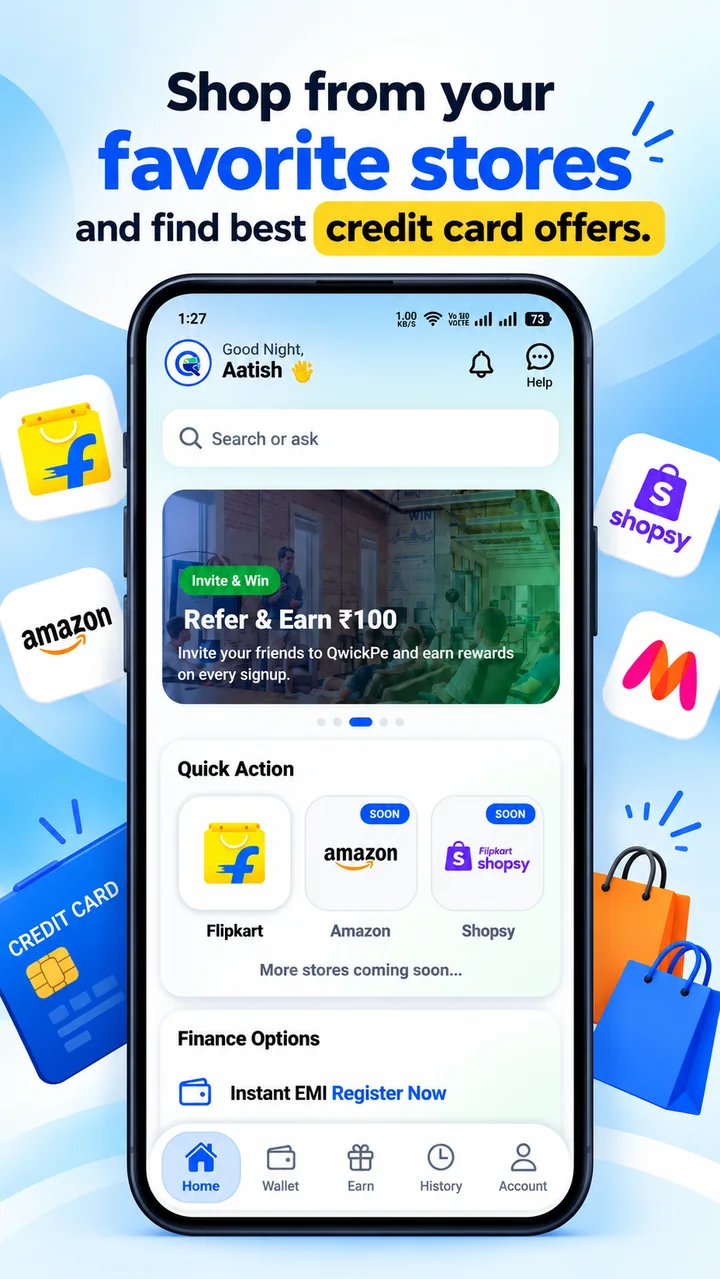
Select a screen to explore Home, Buyer checkout, Cardholder deals, Wallet and History. The screen selector uses no video or heavy animation.
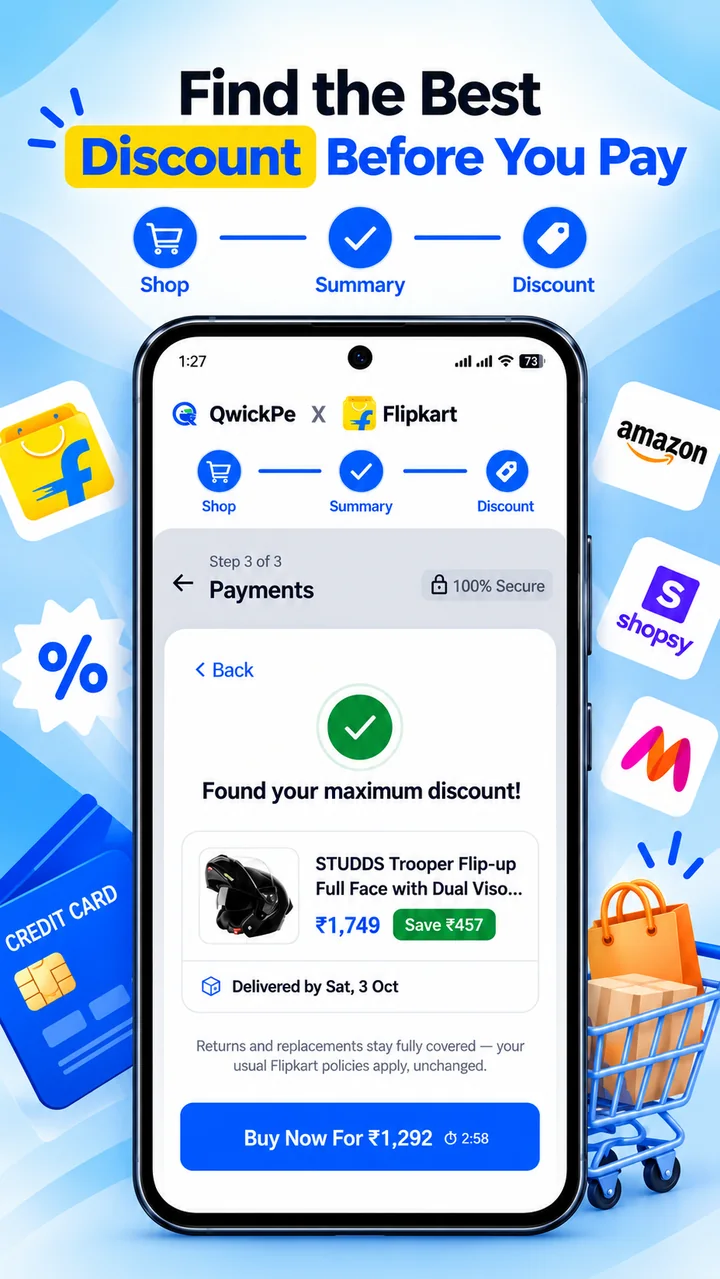
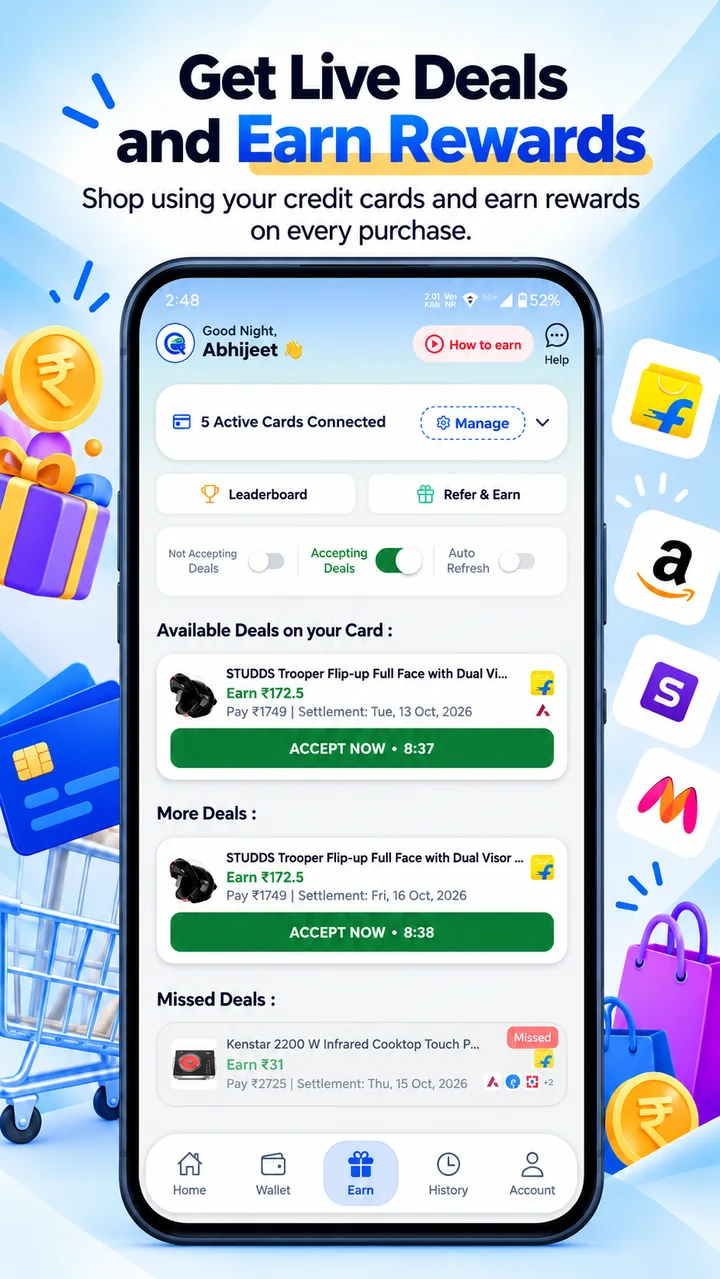
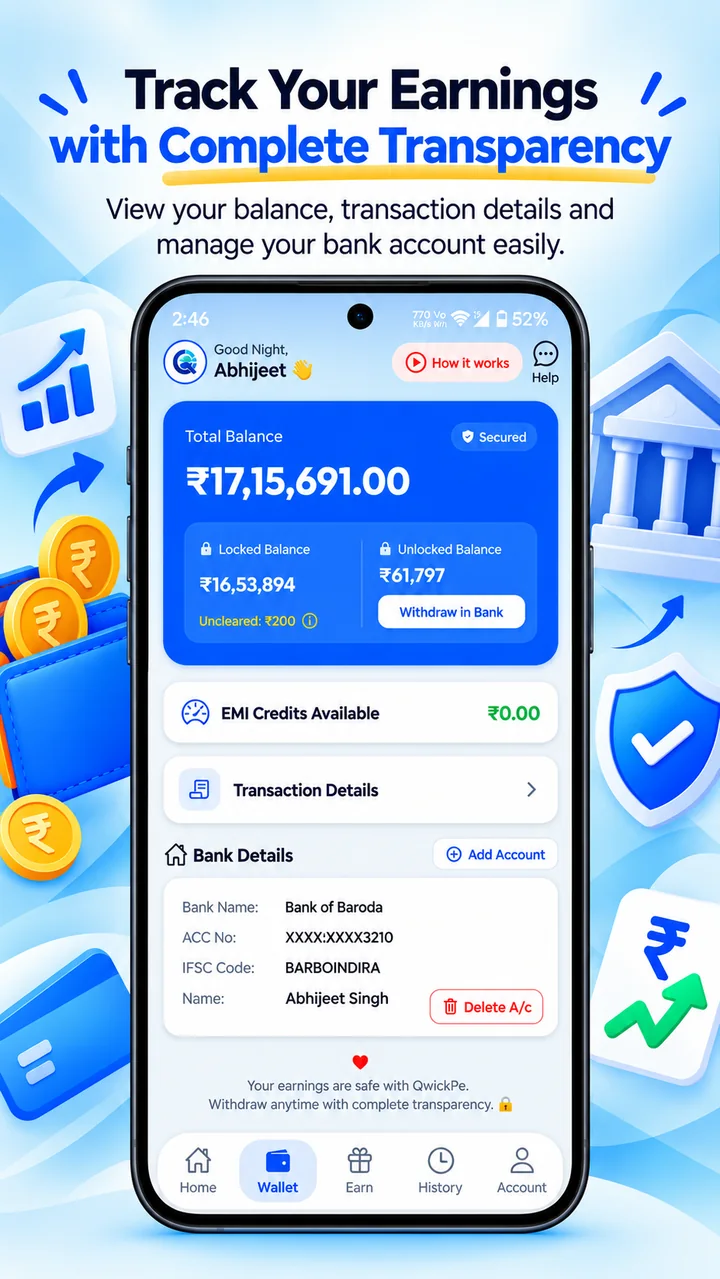
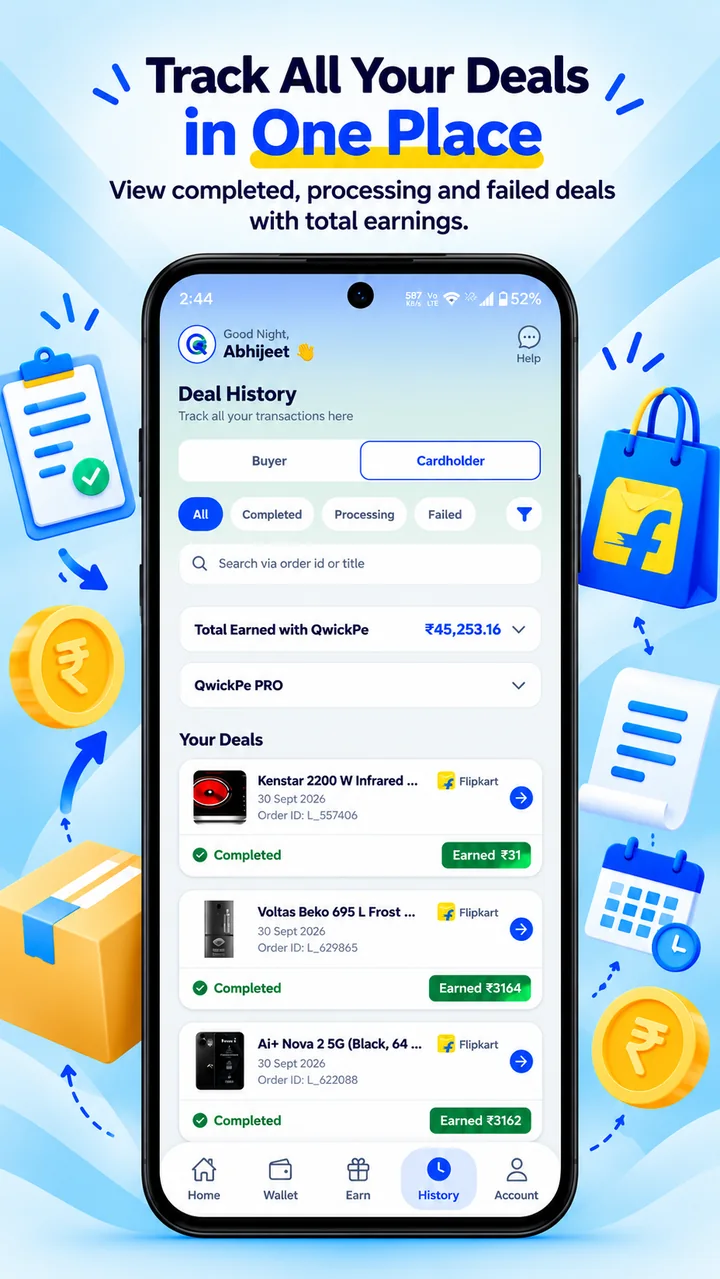
Amounts, rewards, merchants, dates and account details shown in these previews are illustrative. Live eligibility, values and available actions are shown inside the current app flow.
The navigation remains familiar, while the relevant actions and deal information change for the role you choose.
Feature availability can depend on the current version, account eligibility, campaign settings and participating partners.
Move between discovery, transaction activity, deal records, security controls and support.
Flipkart is available in the current shopping flow. Amazon and Shopsy are marked coming soon.
Use notifications, History, Help Centre, chatbot and feedback tools when those options are enabled.
These tools may depend on account eligibility, campaign terms, transaction status or partner availability. The current app screen shows what applies.
Check the Google Play listing, live app screens and applicable terms before starting a transaction.
QwickPe is currently available on Android. iOS and some features remain in development. Offer, payment, refund, withdrawal and settlement availability is subject to the live transaction and applicable third-party terms.